Everything you need to grant access package assignments, in one tool.
👥
Bulk Assignment by Email
Assign one user or many at once. Enter addresses separated by commas, spaces, or semicolons — each is resolved and labeled inline.
📦
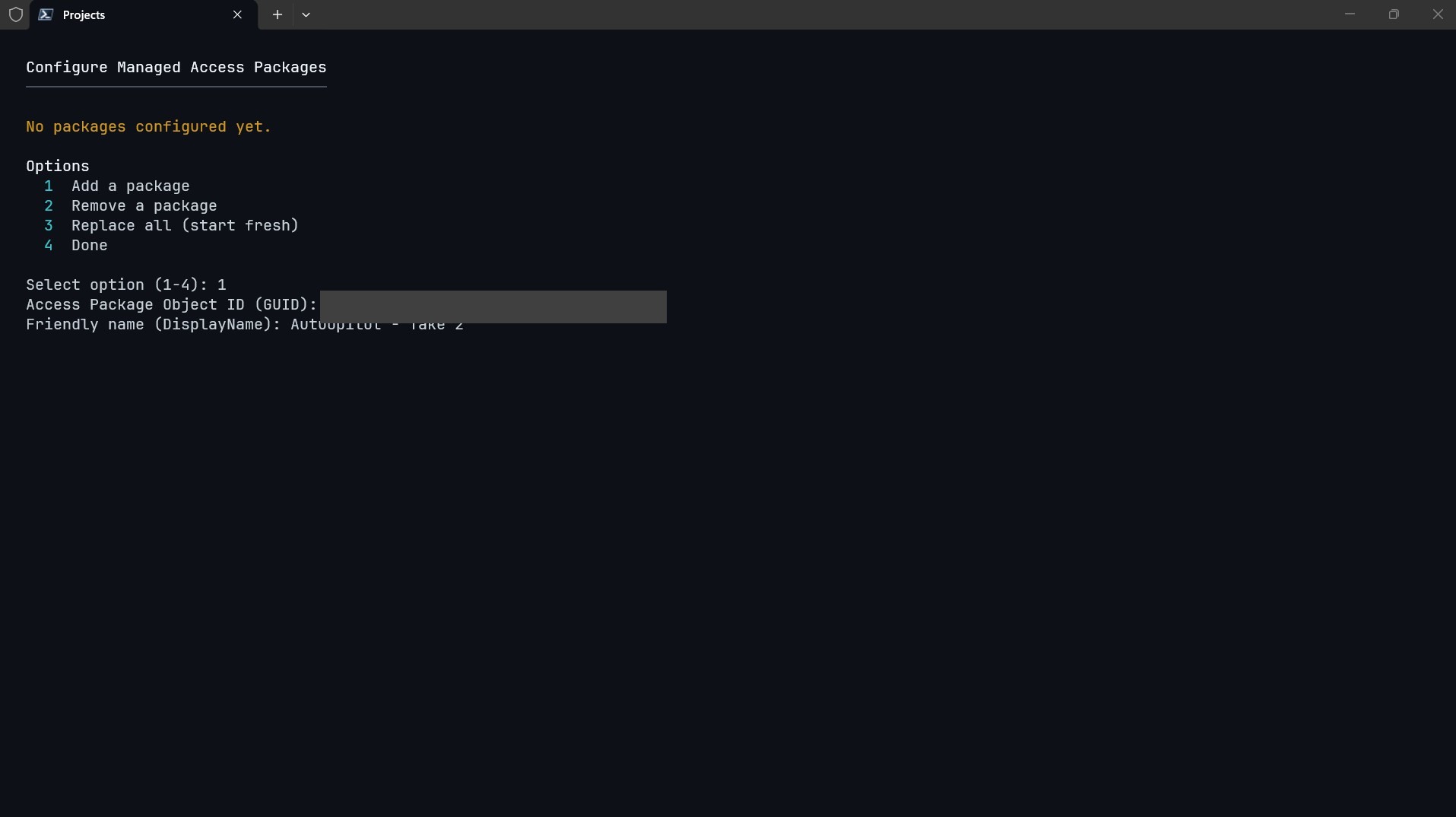
Pre-Configured Packages
Register the access packages this tool manages once. No browsing the directory on every run — just pick from your list.
🔍
Existing-Assignment Detection
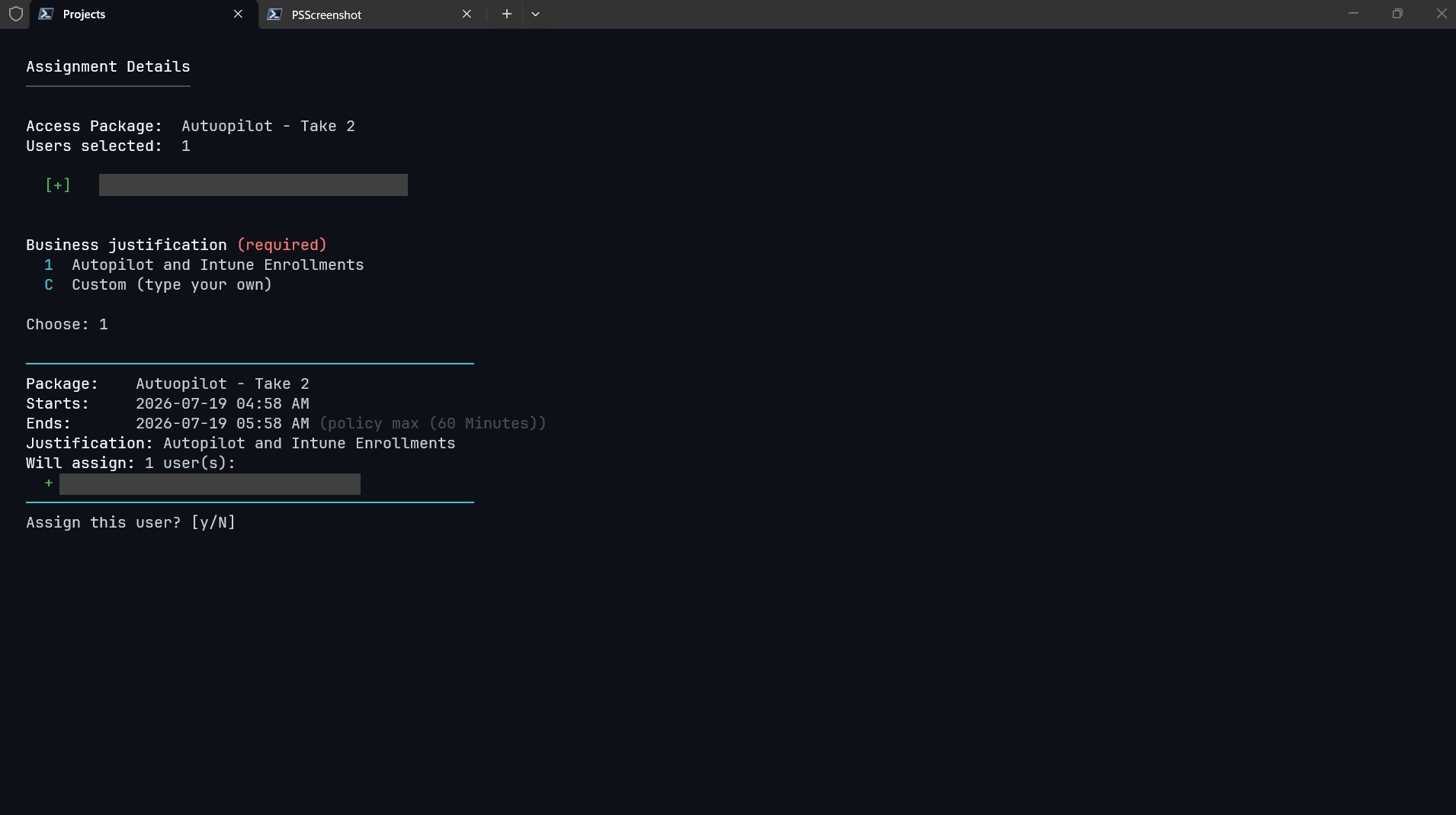
Every email is checked and tagged before you commit: ready to assign, already has access, or not found.
📝
Business Justification
Configurable canned justification options plus a custom free-text entry. Required on every assignment, never blank.
⏱
Auto End-Date
The assignment end date is computed from the policy's maximum duration automatically — no date prompts to fill in.
🩹
Stuck-Request Recovery
Detects orphaned "open request" errors, finds the blocking request, and offers to cancel and retry — no portal trip.
🌐
Cross-Platform Sign-In
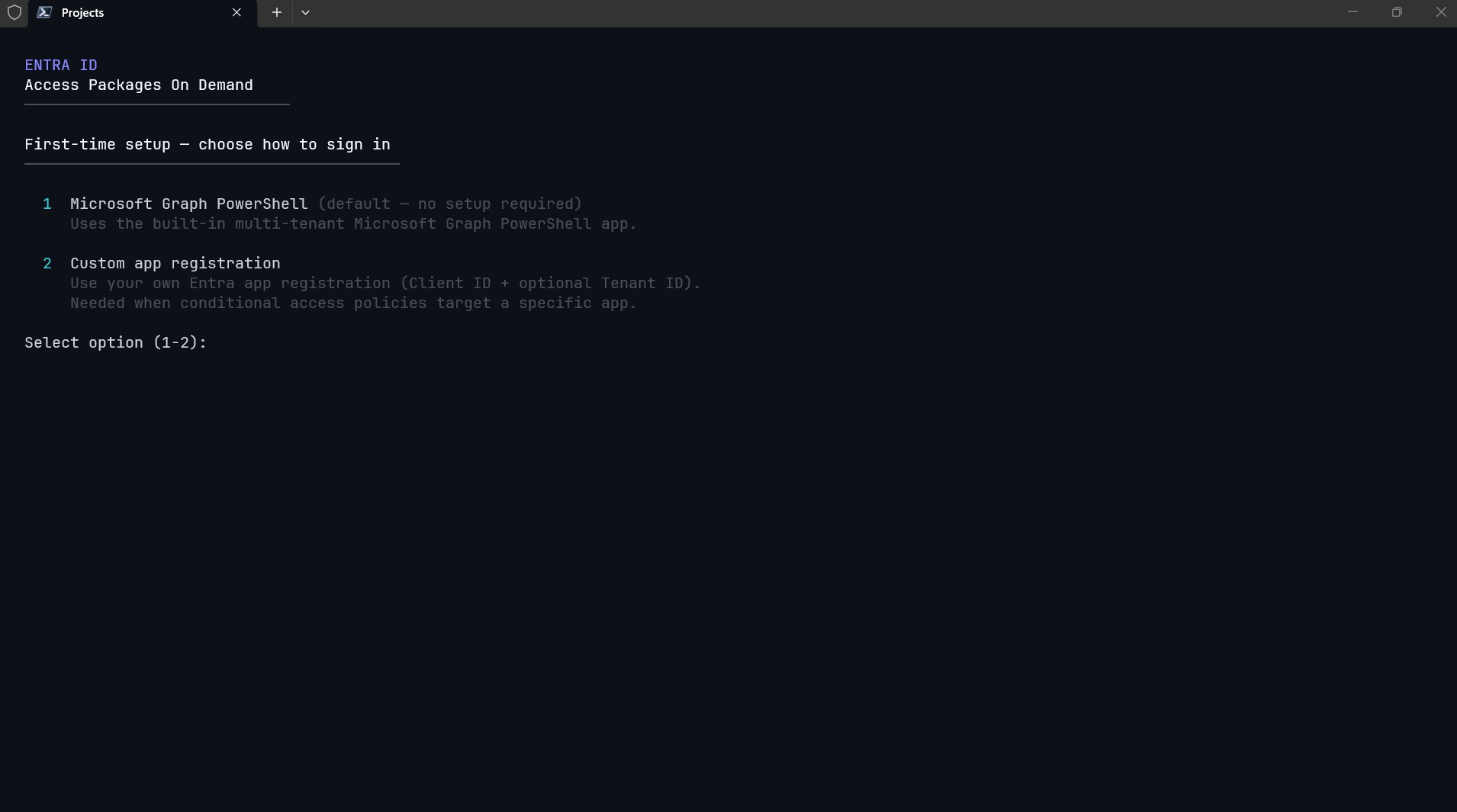
Browser-based MSAL authentication on Windows, macOS, and Linux. Full Conditional Access policy enforcement.
🔑
Custom App Registration
Optionally bring your own Entra app registration (Client ID / Tenant ID) for conditional access or tenant-scoped consent.
🔄
Cooling-Off & Auto-Refresh
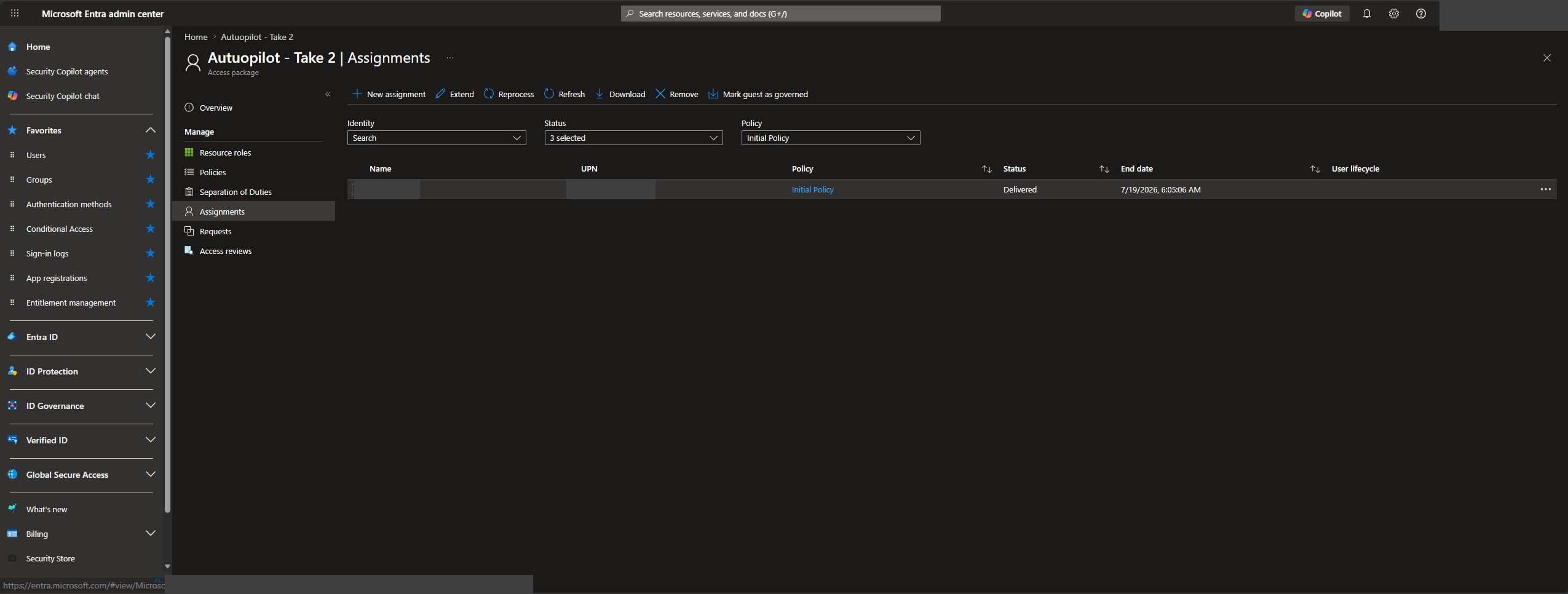
A cooling-off countdown lets assignments propagate through the directory, then the live assignments view refreshes automatically.